






December 4, 2025
For years, MigrationWiz has empowered IT teams to move mailboxes, documents, collaboration data, and entire cloud workloads quickly and securely. As organizations increasingly adopt hybrid environments and distributed work models, the need to migrate not only data — but also the endpoint experience has never been greater.
Today, we’re excited to highlight a powerful combined solution:
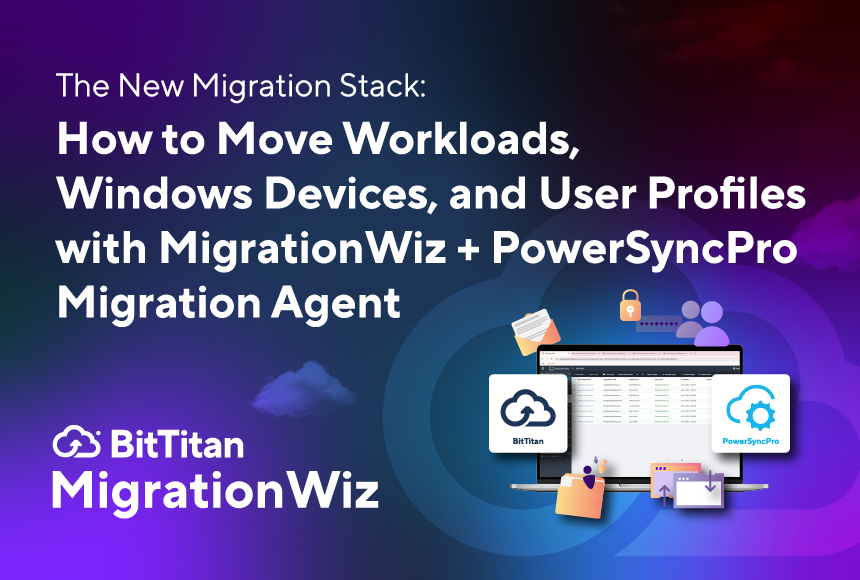
MigrationWiz for workload migration + PowerSyncPro Migration Agent for Windows device and user profile migration.
Together, these tools deliver a unified, full-fidelity experience for users before, during, and after a cloud migration event.
And now, you can see the full workflow in action:
Migrate Workloads with MigrationWiz and Windows Devices with PowerSyncPro Migration Agent
Why Migrate Workloads and Devices Together?
Organizations often struggle when migrations leave behind important pieces of the end-user experience local profiles, desktop content, registry keys, application data, and Windows settings. Even a perfect cloud migration doesn’t feel complete if users log into a new environment and discover a “blank slate” desktop.
Combining the capabilities of MigrationWiz and the PowerSyncPro Migration Agent solves this gap by allowing IT teams to:
- Move mailboxes, documents, Teams, SharePoint, OneDrive, and other cloud workloads with MigrationWiz.
- Seamlessly migrate user profiles, Windows settings, applications, registry keys, and local data with the PowerSyncPro Migration Agent.
- Deliver a consistent, familiar user experience when devices land in the new environment.
- Ensure a controlled, predictable migration for hybrid or large-scale device moves.
- Reduce post-migration help desk load and user disruption.
Together, the two products support a true “whole environment” migration from cloud to client.
How the Combined Migration Flow Works
Step 1 Use MigrationWiz to Move Cloud Workloads
MigrationWiz handles the migration of:
- Mailboxes
- OneDrive
- SharePoint
- Teams collaboration content
- Public folders
- Microsoft 365 Groups
- Shared mailboxes
- Cross-tenant (T2T) M365 workloads
This ensures that all user-owned and organization-owned cloud data moves securely to the new tenant or environment.
Step 2 Use PowerSyncPro Migration Agent to Move Windows Devices and Profiles
Once your cloud data is underway or completed, PowerSyncPro Migration Agent picks up the endpoint portion, enabling you to migrate:
- User profiles
- Desktop and local file data
- Windows settings and configurations
- Application metadata
- Security and personalization preferences
- Machine-based attributes required for the new environment
This agent-based solution works in the background, supports cutover schedules, and helps orchestrate seamless user transitions to new machines, new domains, or new cloud identities.
Step 3 Users Log in and Continue Working No Disruptions
Cloud workloads + device profiles = a near-zero-friction experience.
Users log in to their new environment and find:
- Mail and Teams content exactly where they expect
- Desktop backgrounds, taskbar layouts, and preferences
- Application settings intact
- Documents and local files preserved
This integrated approach minimizes downtime and accelerates adoption.
Watch the video now:
Migrate Workloads with MigrationWiz and Windows Devices with PowerSyncPro Migration Agent
Whether you’re planning a tenant-to-tenant migration, hardware refresh, domain consolidation, or full modernization of your environment, this combination is the most seamless way to move all your data both in the cloud and on the device.
A More Complete Migration Starts Here
As organizations modernize through cloud adoption, M&A activity, domain restructuring, or security-driven reorganization, the need for integrated migrations has never been more important. MigrationWiz paired with PowerSyncPro Migration Agent gives you the tools to successfully move:
- Cloud workloads
- User identity and data
- Windows devices and profiles
- Application settings and local environment details
If you’re ready to deliver a smooth, predictable, end-to-end migration experience, this combined solution will get you there.